mirror of
https://github.com/bellingcat/reddit-post-scraping-tool.git
synced 2026-06-08 03:28:30 +03:00


Given a subreddit name and a keyword, this script will return all posts from a specified listing (default is 'top') that contain the provided keyword.
Installation
1. Clone the repo
git clone https://github.com/rly0nheart/reddit-post-scraping-tool.git
2. Move to reddit-post-scraping-tool directory
cd reddit-post-scraping-tool
3. Install dependencies
pip3 install -r requirements.txt
Usage
python3 reddit-post-scraping-tool.py --keyword [keyword] --subreddit [subreddit name (without 'r/')]
Optional arguments
| Option | Argument | Choices | Usage |
|---|---|---|---|
| -l/--listing | LISTING | [controversial, hot, best, new, rising] | listing: controversial, hot, best, new, rising (default: top) |
| -c/--limit | NUMBER | 1-100 | results limit (default: 10) |
| -t/--timeframe | TIMEFRAME | [hour, day, week, month, year] | timeframe: hour, day, week, month, year (default: all) |
Windows GUI
Prerequisites
- .NET 6.0 or later
1. Download the GUI from the releases page
You can download the latest release of the gui from here
2. Extract the downloaded .zip
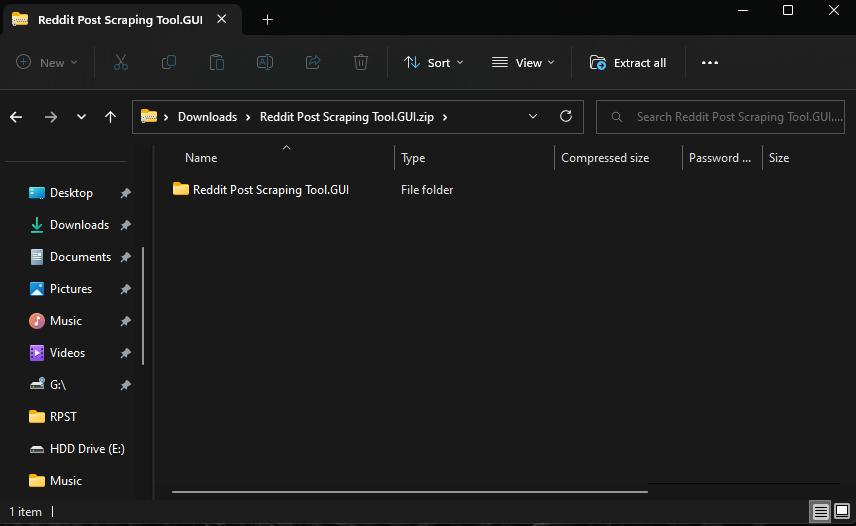
3. Run the binary
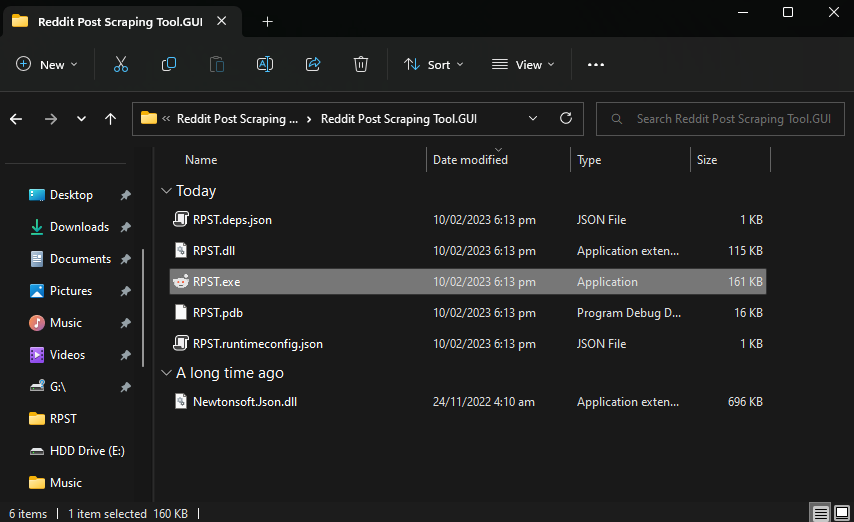
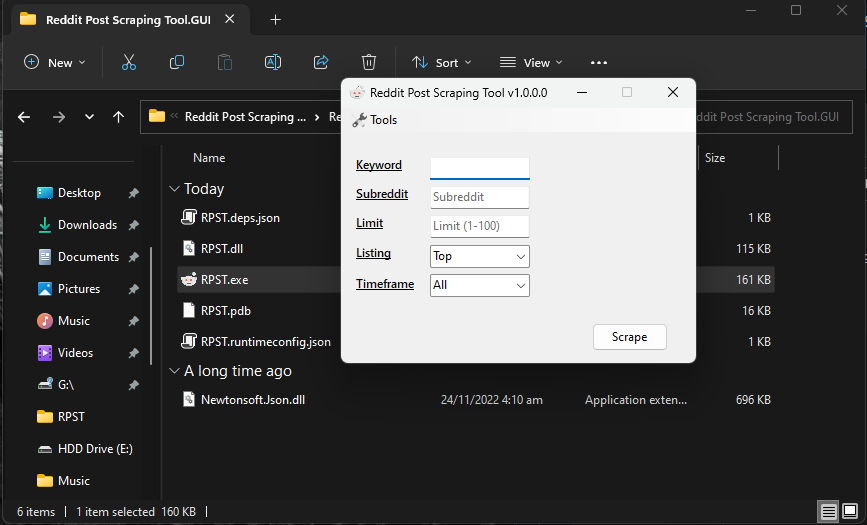
Once extracted, you can then run the program by double clicking on a binary named RPST.exe