mirror of
https://github.com/bellingcat/reddit-post-scraping-tool.git
synced 2026-06-08 03:28:30 +03:00

Reddit Post Scraping Tool
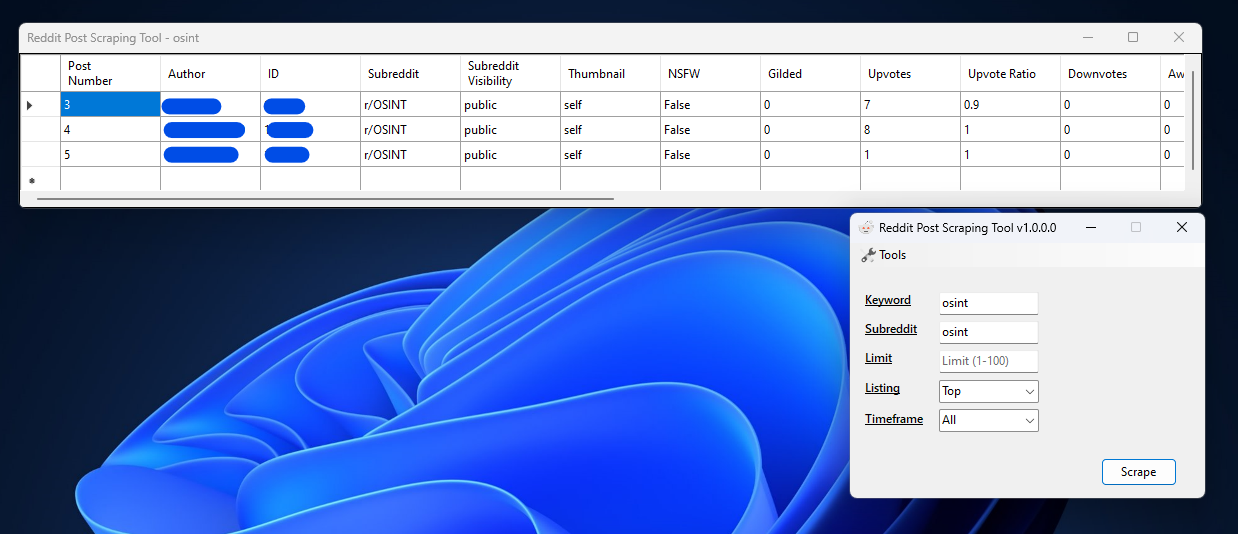
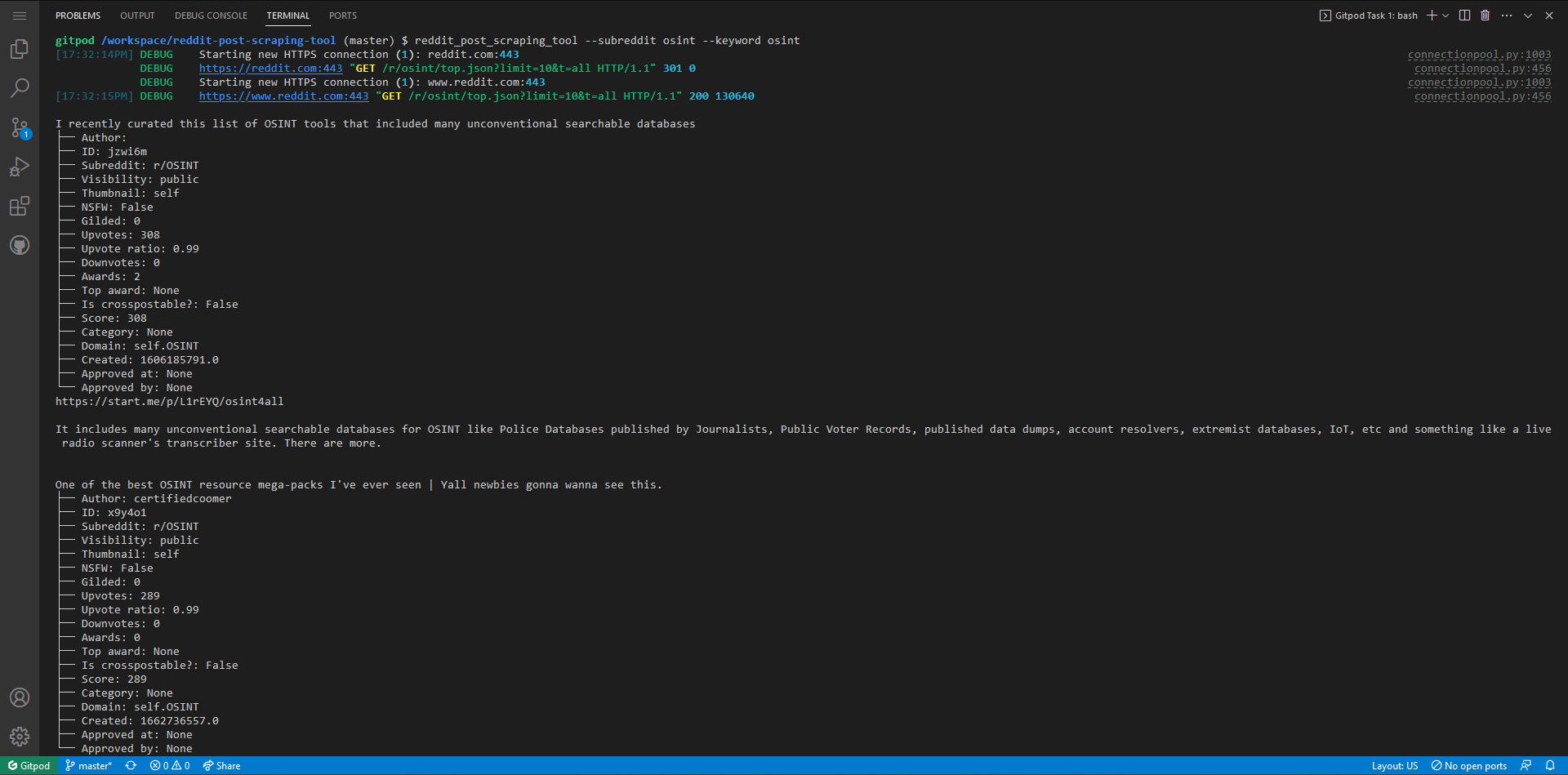
Given a subreddit name and a keyword, this script will return all posts from a specified listing (default is 'top') that contain the provided keyword.
Installation
Note
The program has both a CLI and a GUI
Installing the CLI
Note
The cli is cross-platform and in order to use it, you will need to have Python installed on your system
Install rom PyPI
pip install reddit-post-scraping-tool
Install the dev version from GitHub
Note
The dev version might be unstable
pip install git+https://github.com/rly0nheart/reddit-post-scraping-tool
Usage
reddit_post_scraping_tool --keyword [keyword] --subreddit [subreddit name (without 'r/')]
Optional arguments
| Option | Argument | Choices | Usage |
|---|---|---|---|
| -l/--listing | LISTING | [controversial, hot, best, new, rising] | listing: controversial, hot, best, new, rising (default: top) |
| -c/--limit | NUMBER | 1-100 | results limit (default: 10) |
| -t/--timeframe | TIMEFRAME | [hour, day, week, month, year] | timeframe: hour, day, week, month, year (default: all) |
Setting up the GUI
Note
The GUI is only available for Windows systems
Prerequisites
- .NET 6.0 or later
1. Download the GUI from the releases page
You can download the latest release of the gui from here
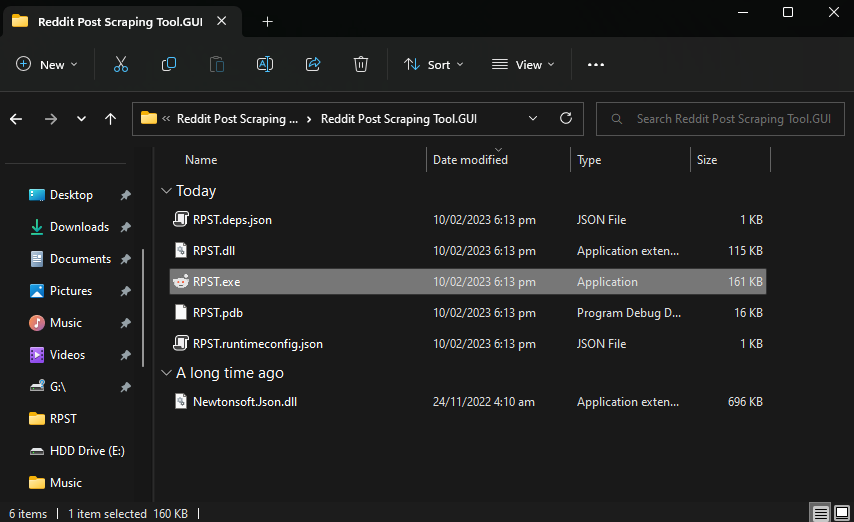
2. Extract the downloaded .zip
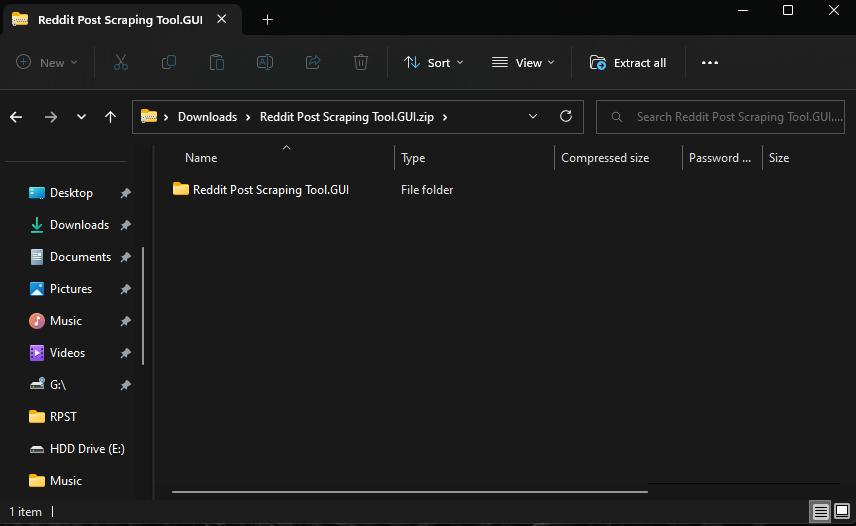
3. Run the binary
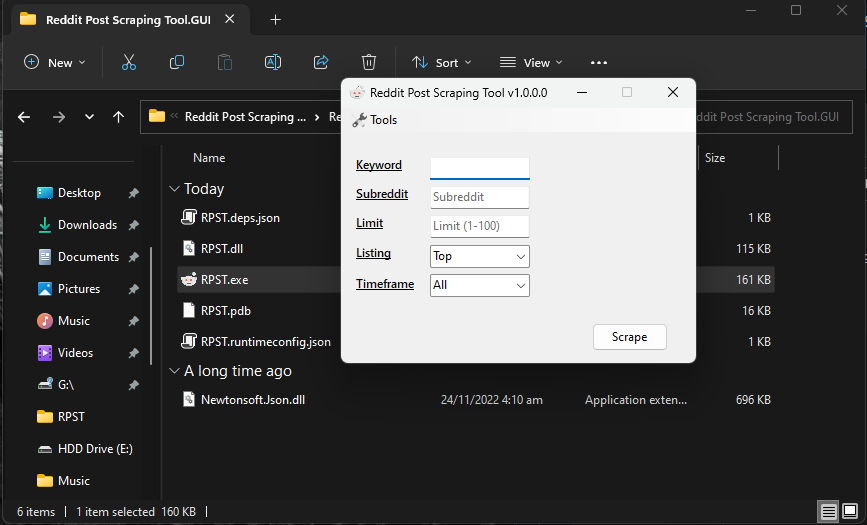
Once extracted, you can then run the program by double clicking on a binary named RPST.exe