mirror of
https://github.com/bellingcat/osm-search.git
synced 2026-06-07 19:18:32 +03:00

52 lines
1.7 KiB
Markdown
52 lines
1.7 KiB
Markdown
# osm-search
|
|
|
|
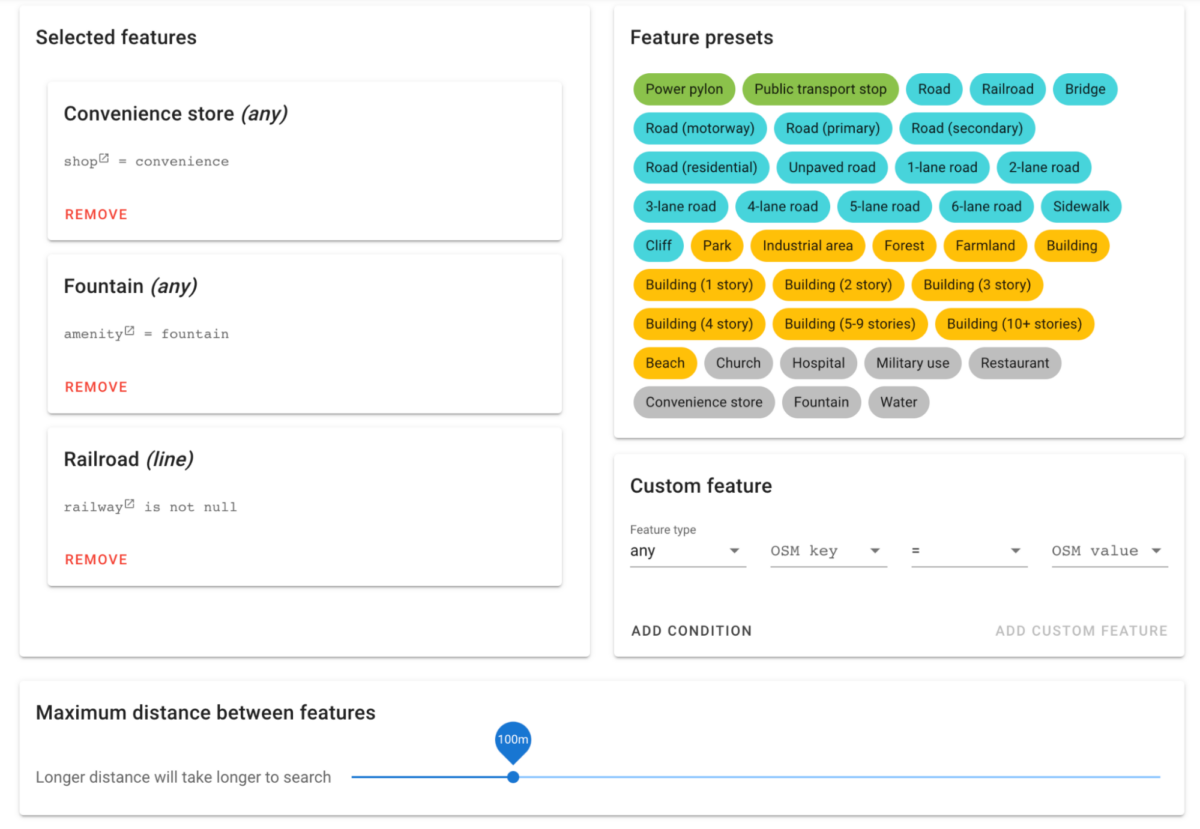
This is a tool for allowing user friendly proximity queries from OpenStreetMap data.
|
|
|
|
Bellingcat has a hosted version of the tool at https://osm-search.bellingcat.com/. For more information, see [the accompanying article](https://www.bellingcat.com/resources/how-tos/2023/05/08/finding-geolocation-leads-with-bellingcats-openstreetmap-search-tool/).
|
|
|
|
|
|
|
|
## Setup and hosting your own
|
|
|
|
### Setting up the database
|
|
|
|
A Postgres database must be set up with OSM data. This can be done with `osm2pgsql`.
|
|
|
|
`osm2pgsql -d osm --hstore-all planet-latest.osm.pbf`
|
|
|
|
Next, some additional setup should be done on the database for performance and to create a combined view of all the data:
|
|
|
|
```
|
|
psql -d osm clean.sql
|
|
psql -d osm cluster.sql
|
|
psql -d osm index.sql
|
|
psql -d osm analyze.sql
|
|
psql -d osm views.sql
|
|
```
|
|
|
|
Note that if you run this using the entire planet OSM file, it will require about 700GB of space.
|
|
|
|
### Running the API
|
|
|
|
The API requires environment variables for connection with Postgres.
|
|
|
|
- `PG_DB`
|
|
- `PG_HOST`
|
|
- `PG_PORT`
|
|
- `PG_USER`
|
|
- `PG_PASSWORD`
|
|
|
|
It also requires a Google Firebase service account credentials file, which must be named `service_account.json`.
|
|
|
|
### Running the frontend
|
|
|
|
The frontend requires environment variables for Mapbox geocoding queries and for Firebase. These variables will be publicly viewable and built into the app.
|
|
|
|
- `VUE_APP_MAPBOX_TOKEN`
|
|
- `VUE_APP_FIREBASE_API_KEY`
|
|
- `VUE_APP_FIREBASE_AUTH_DOMAIN`
|
|
- `VUE_APP_FIREBASE_PROJECT_ID`
|
|
- `VUE_APP_FIREBASE_STORAGE_BUCKET`
|
|
- `VUE_APP_FIREBASE_MESSAGING_SENDER_ID`
|
|
- `VUE_APP_FIREBASE_APP_ID`
|